/ 01
Controlled Editorial Independence
Give editors structured content, approved blocks and patterns, useful previews, role-based actions, and selective locking so routine publishing does not require code or endanger layouts.
A useful WordPress website gives two groups confidence. Visitors can find, understand, and act on information quickly. Editors can publish accurate content without asking a developer to rebuild layouts or risking the design on every page. Achieving both requires more than installing a theme: it requires an editorial model, constrained components, measurable quality, explicit ownership, and a safe release process.
We build WordPress when a content-managed website, publication, campaign platform, catalogue, or established commerce model is the right product shape. The work can cover a new site, redesign, migration, WooCommerce scope, multilingual rollout, or a bounded repair of an existing installation. Discovery begins with business journeys, content types, governance, integrations, traffic, and the people who will operate the result.
The central trade-off is editorial freedom versus system integrity. An unrestricted page builder can make the first page fast and every later page inconsistent. A rigid template preserves design but forces routine content changes back to developers. Purpose-built blocks, patterns, roles, design tokens, previews, and documented workflows create a practical middle ground.
WordPress is a strong fit when publishing is the primary operating model. Typical examples include corporate and professional-service websites, multilingual content hubs, resource libraries, campaign portfolios, news or insight publications, product catalogues, membership content, and WooCommerce stores whose commerce rules remain within a maintainable ecosystem.
Fit depends on the future editorial workflow, not only today’s sitemap. Identify who creates, reviews, translates, approves, schedules, updates, archives, and audits each content type. Model pages, articles, people, locations, services, cases, products, events, and taxonomies as structured content where reuse, filtering, or governance matters. Do not hide important data inside an unsearchable layout blob.
WordPress is a weaker fit when the core value is a complex transactional workflow, real-time collaborative state, fine-grained domain authorization, heavy computation, or bespoke operational interfaces. A CMS can still power marketing content beside such a product, but forcing the whole application into plugins often creates fragile boundaries and unclear data ownership.
Audit an existing installation before promising a redesign or upgrade. Inventory core and PHP versions, hosting, theme, plugins, custom code, users, roles, content, media, URLs, forms, scheduled jobs, integrations, analytics, consent, SEO metadata, backups, traffic, performance, accessibility, security findings, and release practice. The safest scope follows observed dependencies.
A production delivery starts with information architecture and a content model: audiences, journeys, navigation, page types, reusable entities, taxonomy, languages, ownership, lifecycle, and search. Wireframes and content prototypes should prove that real information fits before visual polish hardens a weak structure.
The build may include a custom block theme, `theme.json` design settings, templates, patterns, dynamic or static blocks, responsive navigation, forms, search, roles, integrations, analytics and consent, multilingual behavior, and WooCommerce capabilities. Choose custom code only where it creates a clear product or editorial advantage. Every plugin adds functionality and also an update, compatibility, security, performance, privacy, and ownership obligation.
Delivery also includes environments, version control, review, automated and manual checks, content preparation, migration tooling, redirect mapping, deployment, cache invalidation, monitoring, backup and restore, launch rehearsal, documentation, and editor training. Define which party owns hosting, DNS, email delivery, licenses, accounts, analytics, consent, updates, incident response, and ongoing support.
Acceptance must be concrete: named templates and journeys, supported browsers and devices, content operations, form delivery, commerce behavior, performance conditions, accessibility target and test scope, URL preservation, migration reconciliation, release checks, and handover tasks. “A finished website” is not an acceptance criterion.
Set a performance baseline for named templates, devices, locations, network conditions, traffic and content. Measure lab and, after launch, field behavior where sufficient data exists. Protect image dimensions and formats, fonts, critical rendering, script budgets, caching, database queries, object cache where justified, page cache, CDN behavior, third-party tags, and plugin count. A fast empty homepage does not prove a fast article archive or checkout.
Security is a maintained system. Keep WordPress core, the active theme, plugins, PHP and hosting components supported and updated through a tested process. Minimize extensions, select maintained suppliers, remove inactive code, apply least-privilege roles, protect administrator access, secure secrets and file permissions, filter uploads, constrain integrations, monitor changes, and define incident response. Back up database and files as a coherent set and test restoration.
Accessibility needs an agreed standard, page and component scope, and a mix of automated and human testing. Verify semantic structure, keyboard use, focus, labels, errors, contrast, alternatives for media, zoom and reflow, motion, and screen-reader behavior on critical journeys. The editor design should help authors preserve headings, alternative text, link meaning, and other accessible content choices after launch.
State the boundary honestly. Hosting, traffic, media, editorial choices, plugins, integrations, advertising and analytics scripts affect results. WordPress cannot guarantee absolute security, a permanent performance score, legal compliance, or search ranking. The delivery can provide sound controls, evidence, documentation, monitoring, and accountable maintenance.
The editor is a product interface. Design it from real tasks: publish a service page, localize an article, replace a hero image, update a person or office used in several places, schedule a campaign, add a product, change navigation, preview a draft, request approval, and restore a revision. Record which roles may perform each action and which fields are required.
Use a curated block system. `theme.json` can centralize available design settings and presets; registered patterns can encode approved compositions; block and template locking can prevent accidental movement or deletion; content-only editing can expose copy and media while hiding layout controls. Apply constraints selectively so trained owners can still evolve the site through a governed path.
Model reusable facts once. An office address, author, legal notice, service attribute or product data should not require manual correction across dozens of pages. Define relationships, taxonomies, reusable patterns, synchronized content where appropriate, and translation behavior. Provide useful field labels, descriptions, validation, previews and empty states instead of exposing implementation terminology.
Handover is demonstrated capability. Editors complete agreed tasks in a staging environment, receive role-specific guidance, and know how to request a new block or template. Administrators practice user access, update and rollback, backup restore, form and email diagnosis, incident escalation, and vendor renewal. Record known limits and the owner of every recurring duty.
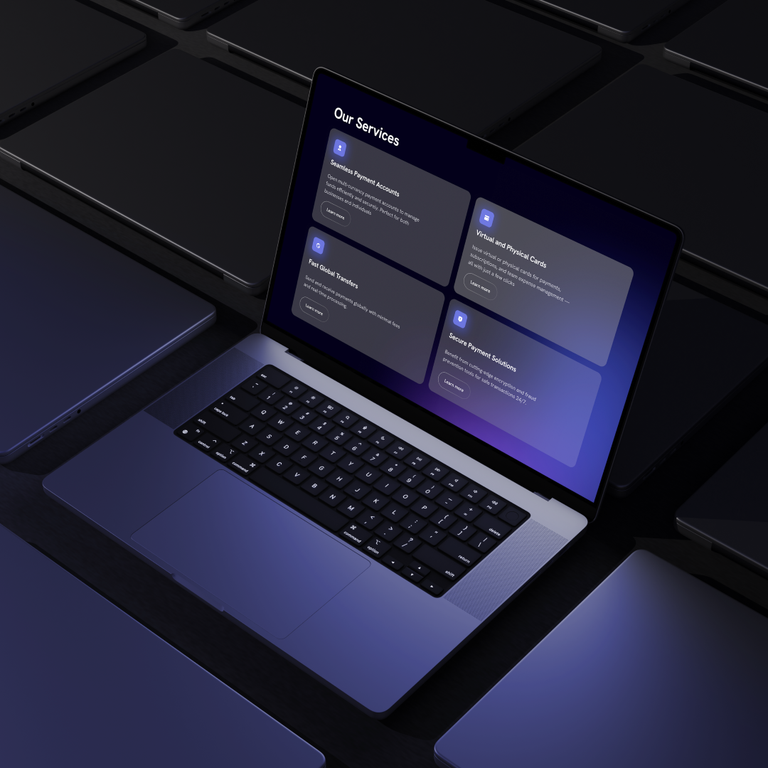
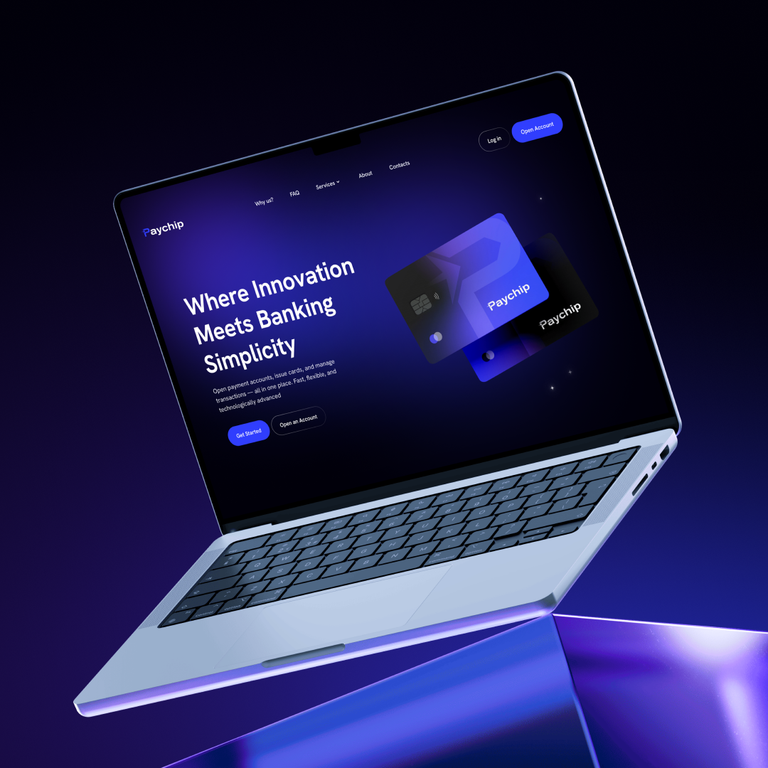
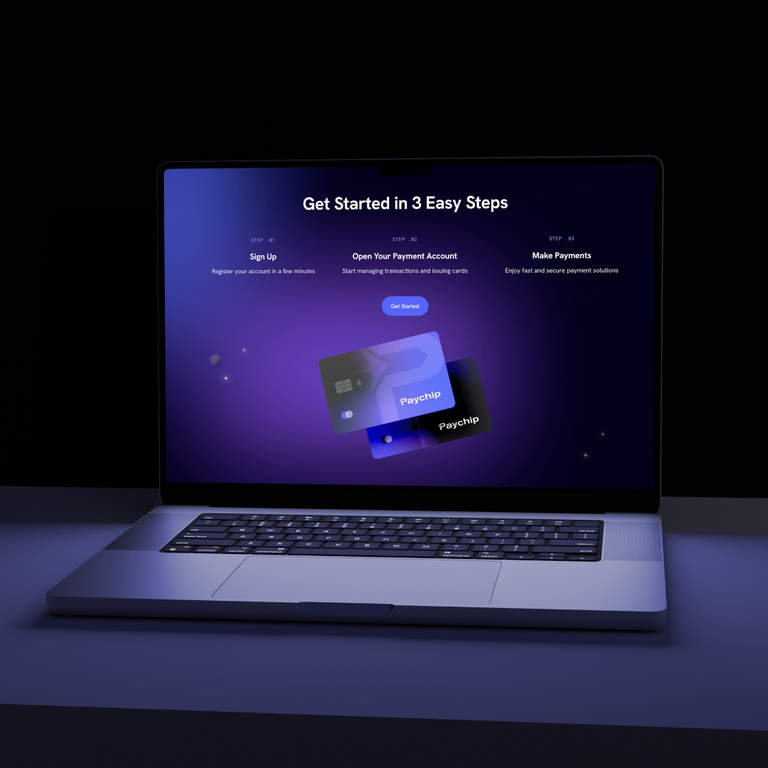
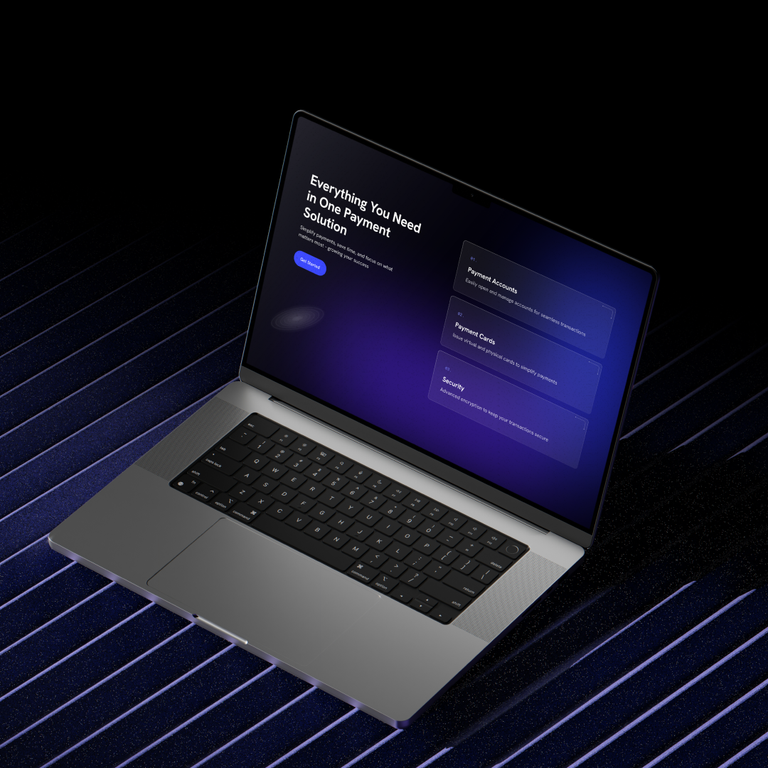
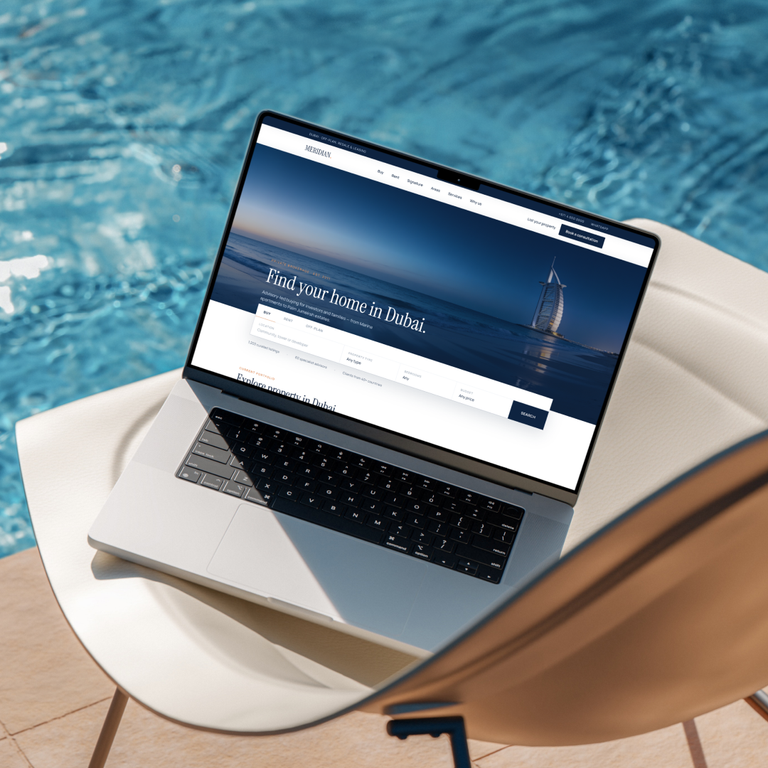
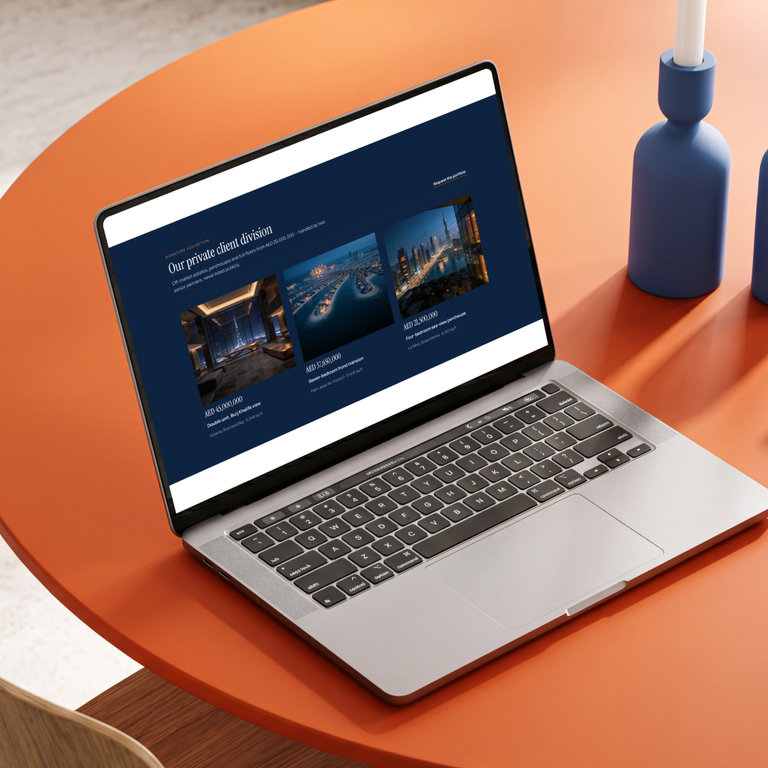
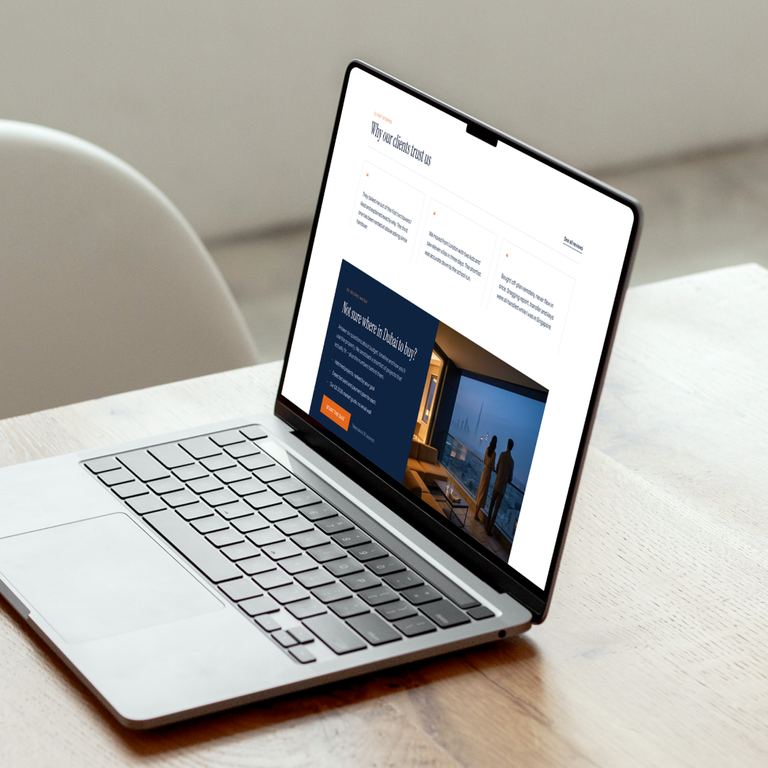
The Paychip and Find Your Home in Dubai cases demonstrate relevant experience in landing-page information architecture, UI/UX, responsive frontend delivery, forms, and conversion-focused journeys. Those case records do not identify WordPress as the CMS, so they are evidence of adjacent delivery capabilities rather than proof of a WordPress implementation.
This distinction matters. A portfolio should show what the evidence supports: the team can structure a proposition, design a responsive journey, implement forms, and deliver a marketing interface. It should not infer the CMS, performance scores, traffic, conversion lift, revenue, or search results without verified project records.
For a WordPress engagement, request evidence closer to the intended risk: block-editor behavior, content model, multilingual workflow, migration reconciliation, WooCommerce operations, update process, performance testing, accessibility review, backup restore, editor training, and post-launch ownership. A visually similar homepage proves little about maintainability.
Choose WordPress when content, pages, editorial publishing, a catalogue, membership content, or established commerce is the primary model; editors need frequent controlled changes; and required behavior fits maintained core, theme, block, and plugin boundaries. This includes many business sites and multilingual publications.
Choose WooCommerce within a separate commerce scope when products, variations, pricing, taxes, inventory, payments, fulfilment, refunds, customer accounts, reporting, and integrations fit an operable extension model. Validate local tax and payment requirements, catalogue size, order volume, synchronization, permissions, and support before committing.
Choose a custom application when the core value is domain-specific workflows and state, complex permissions, operational dashboards, real-time collaboration, high-volume processing, or integrations that make WordPress a fragile orchestration layer. A hybrid can keep marketing and editorial content in WordPress while the application owns transactions and protected data through a deliberate boundary.
Use the simplest architecture that gives the right owners control. For custom transactional work, see Custom Web Development. Complex stores may need a dedicated e-commerce scope. Search strategy, content authority, competition, and measurement belong to SEO work; selecting WordPress does not produce rankings by itself.